Quick Summary: Discover how AI tools in UI/UX design are reshaping how we think about industry through faster prototyping, smarter design systems, automated user research, and design-to-code workflows. Explore the best AI tools for designers, their benefits, limitations, and practical tips for choosing the right solution for your design process.
Every design team now runs into the same question. Should we adopt AI tools in UI/UX design, or stick with the old process?
The honest answer is that most teams already have. Design and development studios like CMARIX are already integrating these tools into everyday client work. Prototyping tools suggest layouts. Design systems flag inconsistencies before a reviewer even opens the file. Research platforms summarize hundreds of user interviews in minutes.
This guide breaks down how AI tools in UI/UX design actually work in 2026. It covers the real workflow changes, the tools worth trying, and the honest limitations nobody puts in a marketing deck.
Whether you design products, run a small studio, or manage a design team, this is meant as a practical reference. No hype, just what’s useful in AI tools for UI/UX design, and what to watch for.
Will AI Replace UI/UX Designers?
No, and the reason is simple. AI tools generate options; they don’t understand your users, your brand, or your business goals.
A generative UI tool can produce ten homepage layouts in seconds. It cannot tell you which layout fits a healthcare brand versus a gaming brand. That judgment call still belongs to a human designer.
More mundane tasks are automated through artificial intelligence. Processes such as background removal, wireframe creation, and copywriting suggestions are being automated. The designer is more concerned with curation and strategy rather than making everything from scratch.
The practical shift is from “designer versus AI” to “designer plus AI.” Enterprise UX design includes user-driven tools to produce more concepts per sprint with the same headcount.
How AI Is Changing the UI/UX Workflow in 2026
The workflow shift isn’t a single feature. It shows up across four separate stages where AI tools in UI/UX design now play a role.
AI-Assisted Prototyping
Prototyping used to mean hours of manual wireframing before a single idea reached a stakeholder. AI-assisted prototyping tools now turn a rough sketch or a text prompt into a clickable mockup in minutes.
This doesn’t replace prototyping skill. It compresses the time between an idea and the moment when a client or PM can actually react. Faster feedback loops mean fewer wasted revision cycles later.
Smarter Design Systems
Design systems are where consistency lives, and consistency is hard to maintain manually across a growing team. AI-powered design system tools now automatically flag spacing errors, color mismatches, and off-brand components.
Some tools go further and auto-generate new components that match existing design tokens. This keeps a growing product library consistent without requiring a designer to manually audit every screen.
Generative UI and Personalization
Generative UI is one of the more interesting developments among AI tools in UI/UX design today. Instead of a single static interface, some products now render UI dynamically based on user behavior.
An e-commerce app might reorder navigation based on browsing history. A dashboard might surface different widgets for a new user versus a power user. This is personalization applied directly to layout, not just content.
Design-to-Code Automation
The handover from design to development used to be a sore point before. Now, design-to-code automation solutions translate Figma designs into usable front-end code.
The code isn’t always production-ready. Developers still review and refine it. But it removes a significant chunk of boilerplate work from the handoff process.
Create intuitive, AI-powered digital experiences with expert UI/UX designers.
AI in UI Design vs AI in UX Design
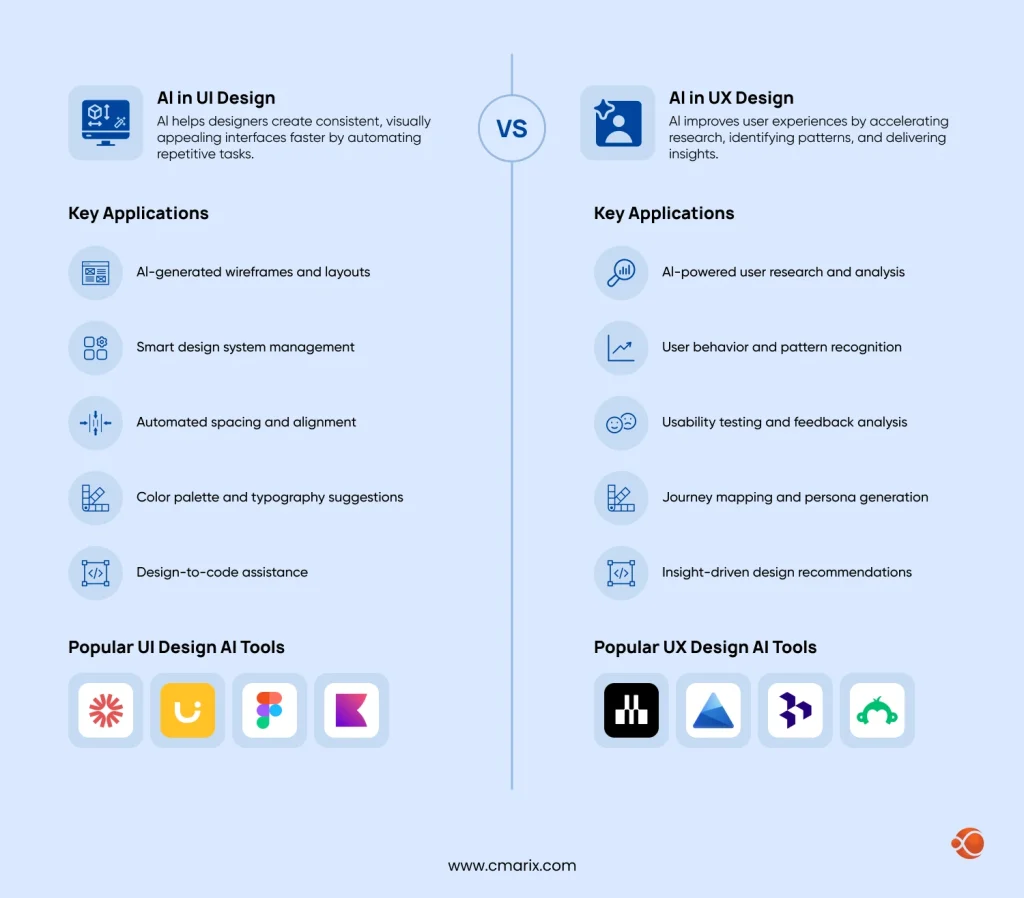
Artificial intelligence supports both UI and UX design by automating repetitive tasks, accelerating research, and improving decision-making. While UI AI focuses on creating interfaces, UX AI helps teams understand users and optimize experiences.
AI in UI Design
AI in UI design helps designers create consistent, visually appealing interfaces faster by automating repetitive design tasks, freeing up time for creativity and brand-focused decision-making.
Key applications:
- AI-generated wireframes and layouts
- Smart design system management
- Automated spacing and alignment
- Color palette and typography suggestions
- Design-to-code assistance
Popular UI Design AI Tools: Galileo AI, Uizard, Figma AI, Khroma
AI in UX Design
AI in UX design improves user experiences by accelerating research, identifying usability patterns, and delivering actionable insights that help teams make faster, data-driven design decisions.
Key applications:
- AI-powered user research analysis
- Predictive heatmaps and attention testing
- Automated usability testing insights
- User behavior and journey analysis
- Personalized user experiences
Popular UX Design AI Tools: Maze, Microsoft Clarity, Dovetail, SurveyMonkey
Pro Tip: The cost of integrating AI into your app’s UI/UX contributes significantly to the overall AI app development budget.
Hence, always plan the design requirements well in advance or hire UI/UX designers who know when to integrate AI and how to optimize its costs.
Best AI Tools for UI/UX Designers in 2026
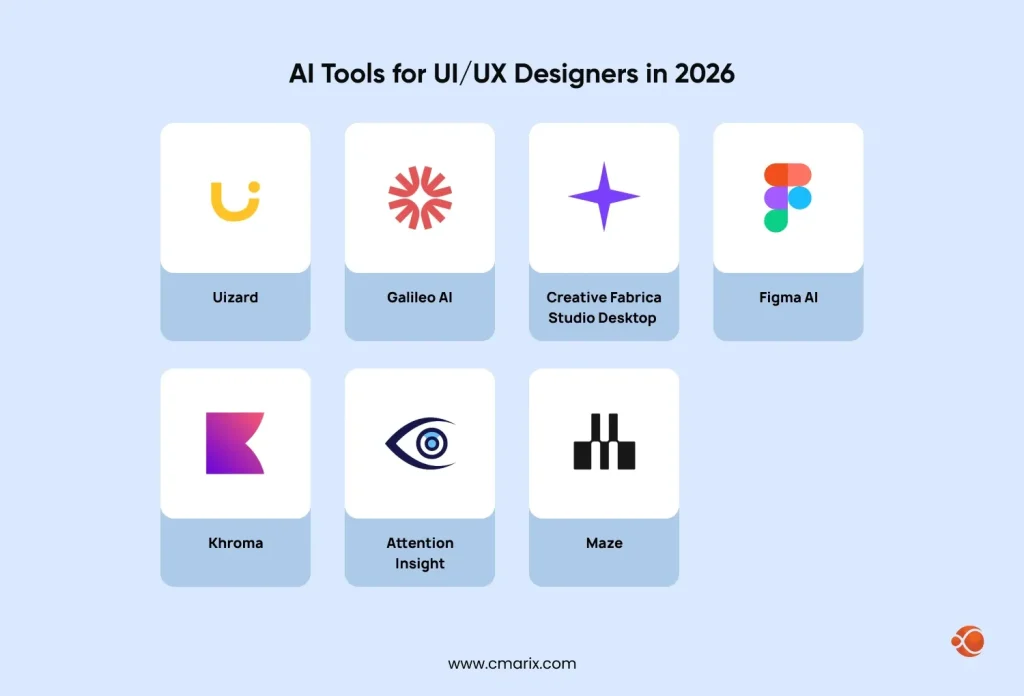
Here’s a practical rundown of AI tools in UI/UX design that designers are actually using in 2026. Each one solves a different problem.
Uizard: AI-Assisted Prototyping and Wireframing
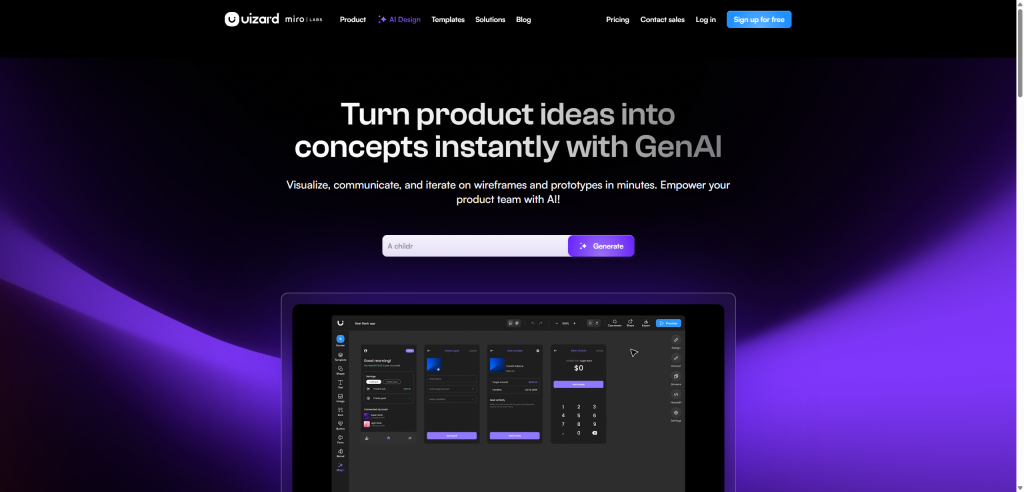
Uizard turns rough sketches or text prompts into editable wireframes and clickable prototypes. A designer can photograph a hand-drawn layout and get a digital wireframe within seconds. The tool also reads screenshots of existing apps and converts them into editable design files. This makes it useful for teams rebuilding or referencing competitor products. Uizard removes the blank-canvas problem that slows down early concept work.
Key features:
- Wireframing from photos and sketches
- Importing screenshots for use in designing an application that already exists
- Generating the interface based on text prompts for fast prototyping
- Design tool with a built-in component library
- Collaborative design tool for remote work teams
Best used for: early-stage concept validation, client pitches, and rapid wireframing before committing to full design hours.
Creative Fabrica Studio Desktop: Free Local Asset Prep

Asset prep is one of the least glamorous parts of design work. It’s exactly where a tool like Creative Fabrica Studio Desktop earns its spot. It’s a completely free desktop app for Windows and Mac, built for practical, everyday utility work. The app runs its AI tools, including a background remover and an image upscaler, directly on your machine. Nothing gets uploaded to a server, which matters when you’re prepping product photos, client mockups, or anything under an NDA. Setup takes a few minutes, requires no credit card, and there’s no paid-tier gating on the core tools.
Key features:
- Built-in background removal tool without the need to upload any files
- AI image upscaler for high-DPI mockups and print-ready assets
- Fully offline processing, so files never leave your computer
- No usage caps, subscription fees, or account tier restrictions
- Easy installation (120 MB) on Windows & Mac
Best used for: designers handling sensitive client assets, product photography, or high-resolution exports who want zero recurring cost.
Galileo AI: Generative UI from Text Prompts
With Galileo AI, you get full UI screen layouts based on a description. In this way, you do not start from scratch, but get something to build upon. An input “dark mode fintech dashboard” will produce a fully designed UI layout in seconds. It will feature realistic spacing, typography, component hierarchy, and not just empty containers. Usually, designers use this system to test several directions, then choose one to optimize manually.
Key features:
- Full-screen UI generation from natural language prompts
- Multiple style and layout variations per prompt
- Editable output compatible with Figma for further refinement
- Support for common app categories like dashboards and e-commerce
- Fast iteration for exploring visual direction early
Best used for: rapid concept exploration, mood-boarding layout ideas, and generating a starting point for client presentations.
Figma AI: Native AI Features for Design Systems
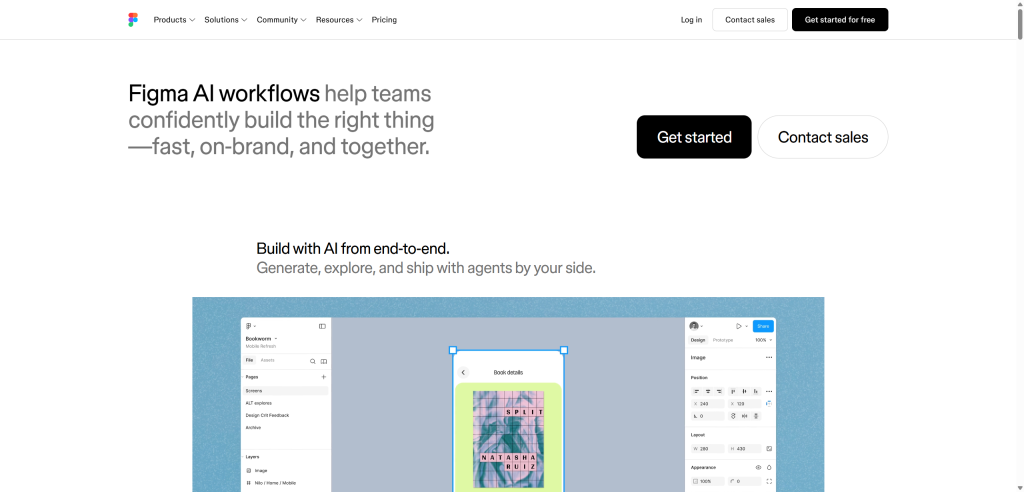
Since most teams already work inside Figma, its native AI features matter for day-to-day workflow. Auto-layout suggestions adjust spacing and alignment automatically as a designer builds a screen. Component detection flags reusable patterns and suggests turning them into design system components. Design system audits scan entire files for inconsistencies, like mismatched colors or outdated components. Because everything happens inside the existing file, there’s no exporting or switching tools involved.
Key features:
- Auto-layout suggestions for spacing and alignment
- Component detection and reusable pattern recommendations
- Design system consistency audits across large files
- AI-assisted content generation for placeholder text and images
- Native integration with existing Figma projects and plugins
Best used for: teams maintaining a growing design system that need consistency checks without a separate audit tool.
Khroma: AI-Generated Color Palettes
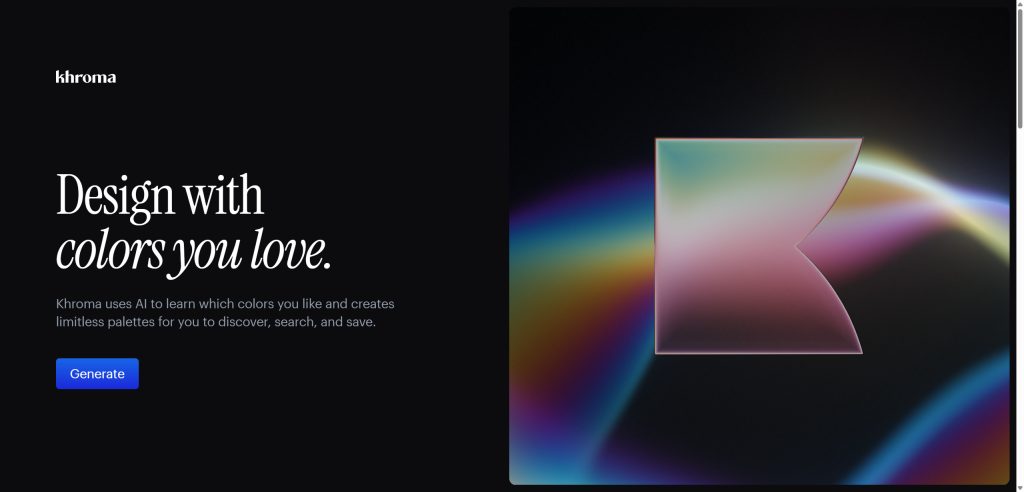
Khroma learns a designer’s color preferences and generates palettes that match their taste over time. During setup, a designer picks 50 colors they like, and the AI trains on those choices. From there, it generates thousands of palette combinations tailored to that specific taste profile. Designers can search, filter, and save palettes directly or export them for use in other design tools. Color decisions affect every screen in a product. That earns Khroma its place on this list of AI tools for UI/UX design.
Key features:
- Personalized AI model trained on individual color preferences
- Unlimited palette generation based on saved taste profiles
- Search and filter by hue, tone, and combination type.
- Direct export to common design and code formats
- Free to use with no account required for basic browsing
Best used for: designers and small studios who need fast, on-brand color palette exploration without a color theory background.
Attention Insight: Predictive Attention Heatmaps
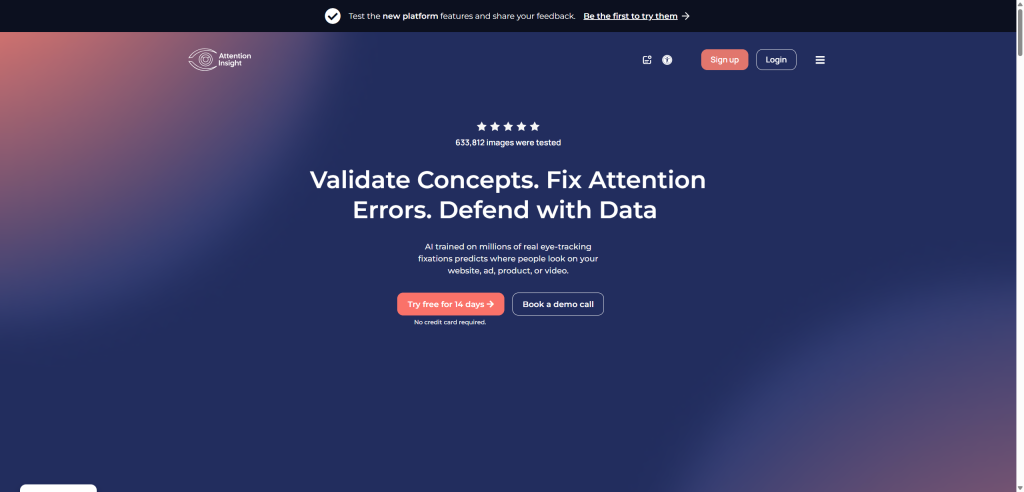
Attention Insight provides a simulated heat map of the areas users will focus on when they see the design, without requiring tests with actual users. The AI is trained on actual eye-tracking data collected from thousands of prior eye-tracking studies. You can upload your design, and the software will show you which parts users will notice first, second, and last.
Key features:
- Predictive heatmaps trained on real eye-tracking research
- Attention ranking for every element on a screen
- Support for static designs, prototypes, and live websites
- Comparison mode for testing multiple design variations
- Exportable reports for stakeholder reviews
Best used for: catching visual hierarchy issues in early design reviews, before investing in formal usability testing.
Maze: AI-Powered User Research and Feedback Analysis
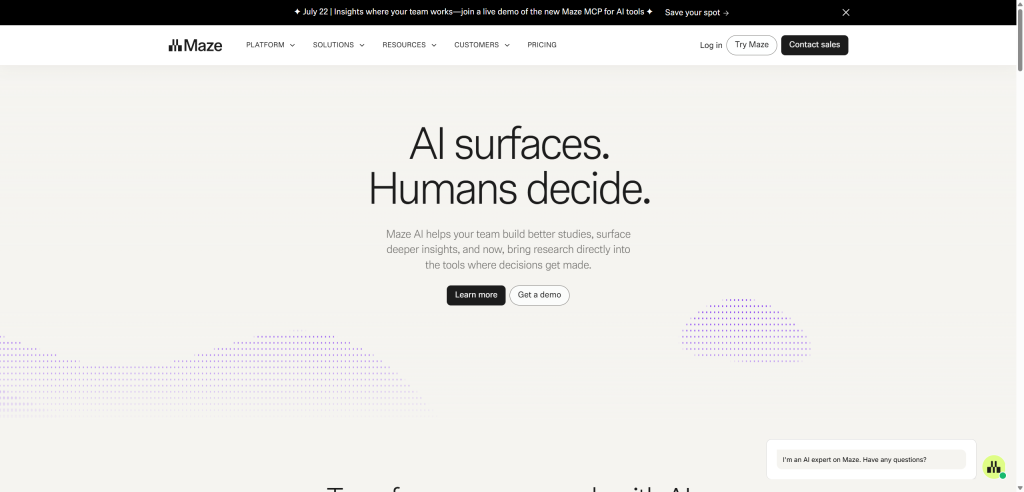
Maze runs usability tests and uses AI to summarize open-ended feedback at scale. Designers can set up unmoderated tests, prototype walkthroughs, or surveys, and share a single link with participants. The AI then reads through open-text responses and automatically groups them into recurring themes. This replaces hours of manual tagging that used to follow every research round. Teams get a clear summary of what users struggled with, without reading every single response line by line.
Key features:
- Usability testing without moderation using prototypes and a live site
- Theme cluster generation by AI based on open-ended surveys
- Sentiment analysis for a large number of participants automatically
- Integration with Figma for prototype testing
- Reports that can be shared with stakeholders other than designers
Best used for: teams running frequent usability tests who need faster synthesis of qualitative feedback.
Transform your idea into a scalable AI product with design and development experts.
Benefits of Using AI in the Design Process
Key among the benefits of using artificial intelligence technology in UI/UX design is speed without loss of iterations. More layout options can be tested within the same sprint cycle than with manual processes.
Boring production processes such as resizing, making simple component variants, or writing placeholder texts become faster. Generating reference images and mood board visuals speeds up too; designers can use tools like invideo Agent to produce photorealistic concepts, visual concepts and UI assets from a text prompt without searching stock libraries. The agent draws on the latest models, including Nano Banana 2, GPT Images 2.0, and more to produce sharp, grounded image outputs with precise control over formats and aspect ratios, giving design teams multiple directions to explore before a single pixel is manually placed.This way, designers get more time to do what AI cannot do – think strategically, empathize with users, and provide creative direction.
Feedback loops also tighten. A prototype that once took two days to build can be ready for stakeholder review the same afternoon.
Limitations and Risks of AI in UI/UX Design
None of this comes without tradeoffs, and it’s worth being direct about the risks of AI tools in UI/UX design.
Loss of Design Nuance and Brand Voice
AI-generated layouts tend toward generic patterns unless carefully guided. A brand with a distinct visual identity can end up looking like every other AI-generated interface. This happens when a designer isn’t actively steering the output.
Data Privacy Concerns with Cloud-Based AI Tools
Many AI design tools process files on remote servers, which raises real concerns for client work under NDA. This is exactly why on-device tools have found a niche among designers handling sensitive assets. Creative Fabrica Studio Desktop is one example.
Over-Reliance and Skill Erosion
Junior designers who overly rely on AI-generated layouts risk bypassing the manual process that helps them develop their own design sensibility.
How to Choose the Right AI Tool for Your Workflow
Not every AI tool fits every team. A few questions help narrow down the decision when choosing AI tools for UI/UX design.
- Consider team size first. A solo designer benefits from all-in-one tools. Larger teams often need tools that integrate cleanly with an existing design system.
- Budget matters too. Some AI tools in UI/UX design come with real subscription costs. Others, like Creative Fabrica Studio Desktop, are free and have no account-tier gating on core features.
- Always start with an MVP. Investing largely in a full-scale overhaul or production is often risky and not the best approach. It is advisable to always go for AI MVP development services by a trusted vendor to see how the project will look and be used before implementing it in the overall application.
- Data sensitivity should be factored in directly. Client work involving unreleased products or personal photos is often better handled with local, on-device tools rather than cloud-based ones.
- Finally, check integration. A tool that doesn’t plug into your existing Figma or dev handoff process adds friction instead of removing it.
Design user-centric web and mobile experiences powered by AI innovation..
The Future of AI in UI/UX Design
Generative UI is likely to move from experimental to standard practice over the next few product cycles. Interfaces that adapt in real time to user behavior will become less of a novelty.
Design-to-code automation will also keep maturing. It will keep closing the gap between what a designer ships and what a developer can use directly. The tools reviewed here represent where things stand today, not where they’ll stop.
Why Hire AI-UI/UX Designers from CMARIX?
At CMARIX, AI extends beyond providing custom UI/UX design services. As a full-service IT company, we combine AI-powered UI/UX design with custom software development, using AI in web development and mobile development, AI integration, cloud engineering, QA, and ongoing support.
Our teams take products from strategy and design to production-ready code and scalable deployment, ensuring every design is backed by robust engineering and real-world execution. That’s where AI delivers the greatest value, not just creating better interfaces, but helping businesses launch complete, market-ready digital products.
Conclusion
AI tools in UI/UX design aren’t replacing designers. They’re removing the repetitive parts of the job. That frees up time for the work that actually needs a human perspective.
Global IT development and expert AI consulting service providers like CMARIX are already following UI/UX design trends to build to-order products and workflows for clients navigating this shift. That’s a good signal for where the broader industry is heading.
FAQs on AI Tools in UI/UX Design
Will AI tools replace human UI/UX designers?
No, since AI tools are used to automate production processes, such as wireframes and asset preparation, while decisions on strategy, brand understanding, and user empathy still need a human designer.
What are the best AI tools for UI/UX designers?
Good tools to use include Uizard for prototyping, Galileo AI for UI generation, and Figma AI for design systems. Additional tools are Khroma for color schemes and Creative Fabrica Studio Desktop for free local asset preparation. Attention Insight is great for predictive testing, while Maze is ideal for research analysis.
How can AI assist in the user research phase?
AI research tools like Maze automatically summarize open-ended feedback and usability test results. Themes emerge across hundreds of responses without manual tagging.
Can AI generate functional code from my designs?
Yes, design-to-code automation tools can convert Figma files into working front-end code. The output usually still needs developer review before it’s production-ready.
Can AI help with accessibility and UX writing?
Most design tools today can detect contrast issues, suggest alt text, and even analyze microcopy. The human element of review is strongly suggested, though.
Do I need a design system before adopting AI tools?
Not strictly, but AI tools work best with an existing design system to reference. Without one, generated components may drift in inconsistent ways across your product.